
Every way she comes alive
Everything she can do,
and a few things she shouldn't
vamAI brings conversation into Virt‑A‑Mate. Talk with her mid-scene, let her direct when you'd rather watch, and pick up tomorrow exactly where you left off tonight.
Interactive Mode
Talk to her.
She talks back.
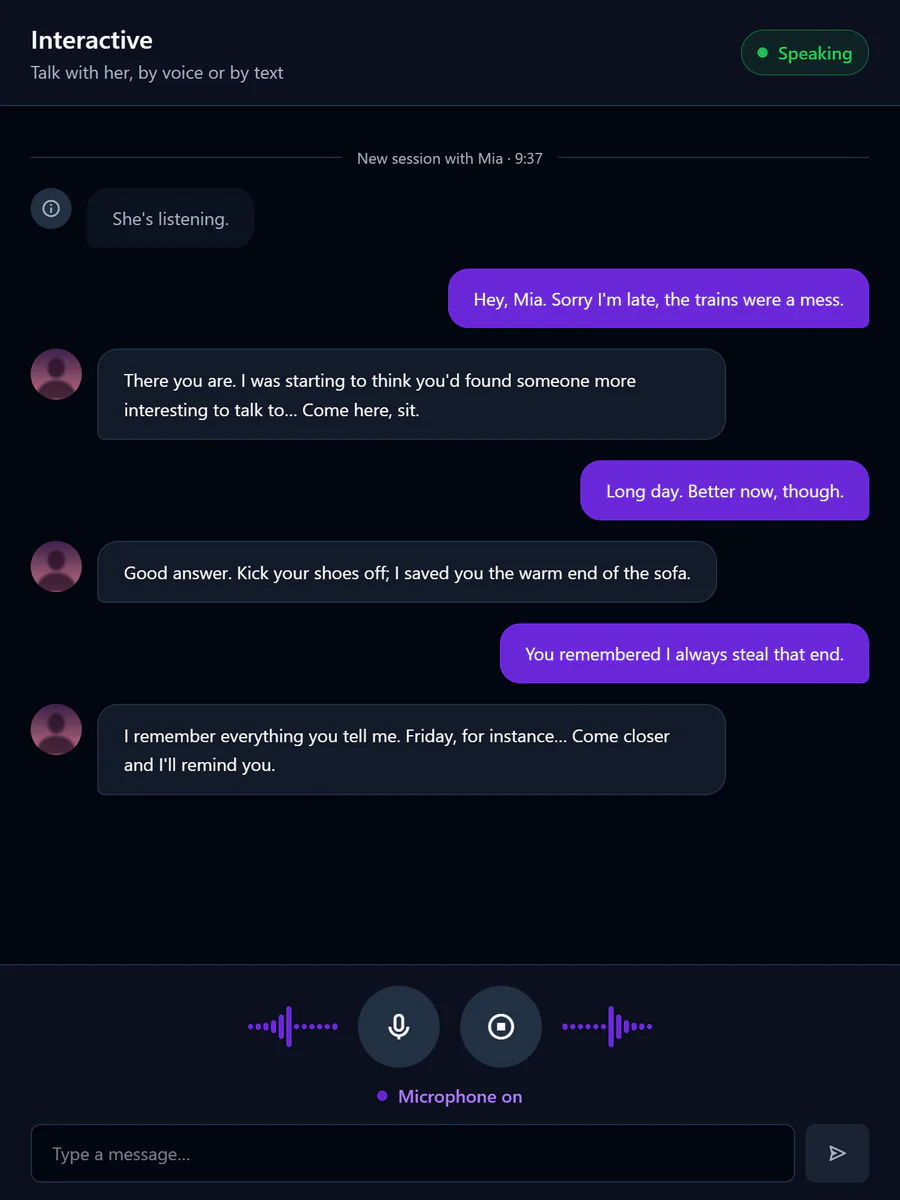
Speak out loud or type, mid-scene, and she answers fast, in her own voice and in character. No push-to-talk, no awkward pauses: it flows like a real conversation. Give her a backstory or a scenario and she plays it like she has lived it.
- Talk naturally: the microphone opens by itself, no push-to-talk
- Pause for a breath mid-thought, and she answers all of it
- Talk over her and she stops to listen
- A backstory, a relationship, a scenario: she plays the part
- Her voice follows the mood of the scene
- Type instead when you need to keep things quiet
Director Mode
Lean back.
She takes control.
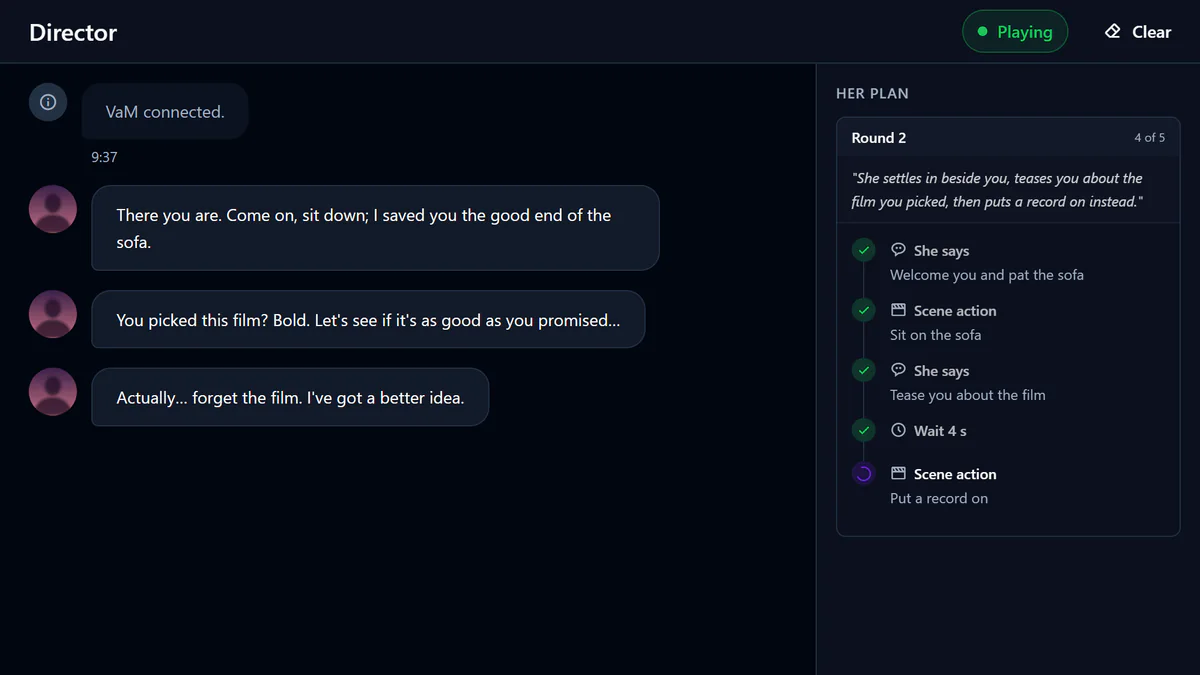
Hand her the keys and the scene directs itself. Pick a scenario, and the Director plans what happens next (the dialogue, the poses, the pace, the slow build) and plays it out while you watch.
- Hands-free: she plans and performs whole scenes on her own
- Dialogue, poses and pacing planned as one sequence
- Round after round, at her pace, until she decides the scene is done
- Stop the scene whenever you like
Memory
She remembers.
Exactly where you left off.
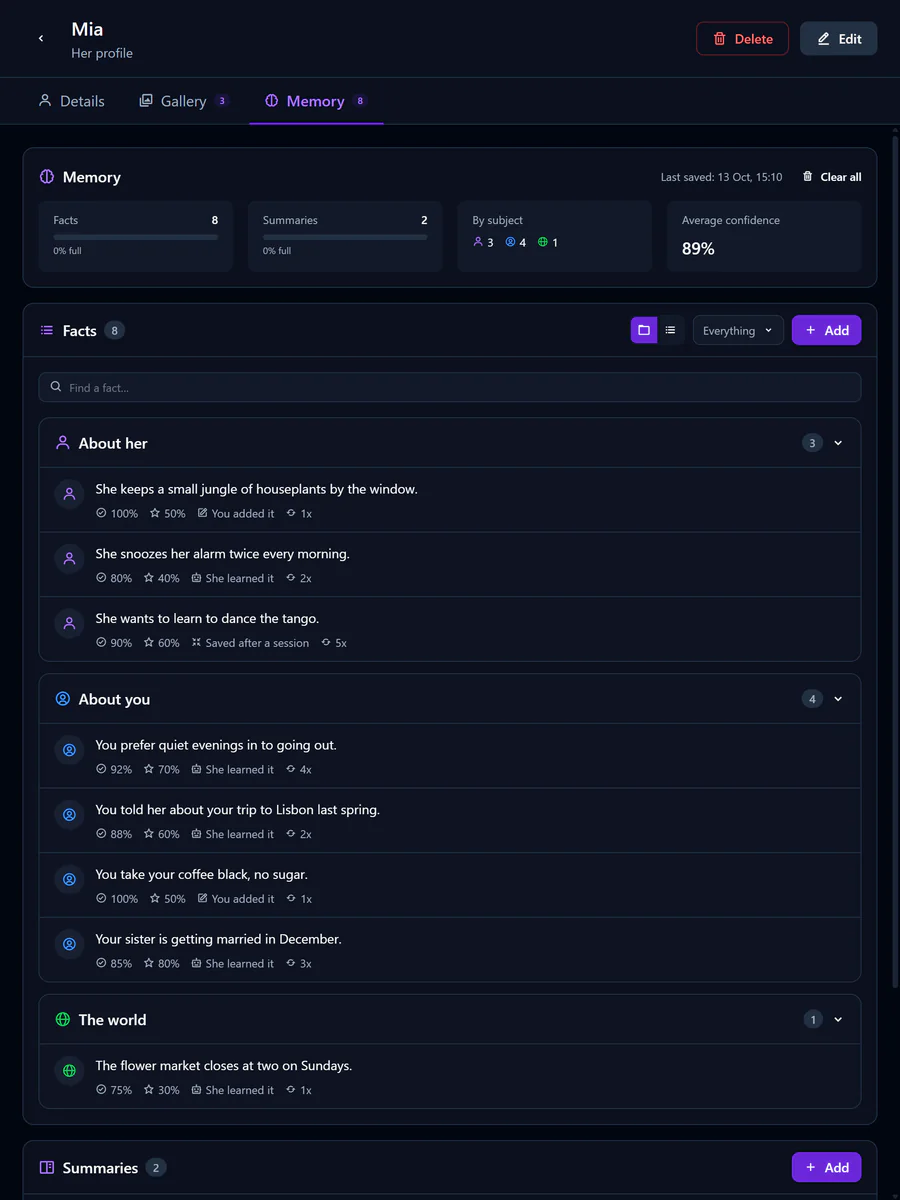
Characters remember your conversations and stay themselves from one session to the next. She recalls what you shared, the moments worth keeping, and how last time ended.
- What you tell her, about you and about herself
- A sense of your history together, not just a log
- Personalities that stay consistent across sessions
- See, correct or remove what she remembers, any time
- Her memories stay on your PC
Scene awareness
She notices.
More than you think.
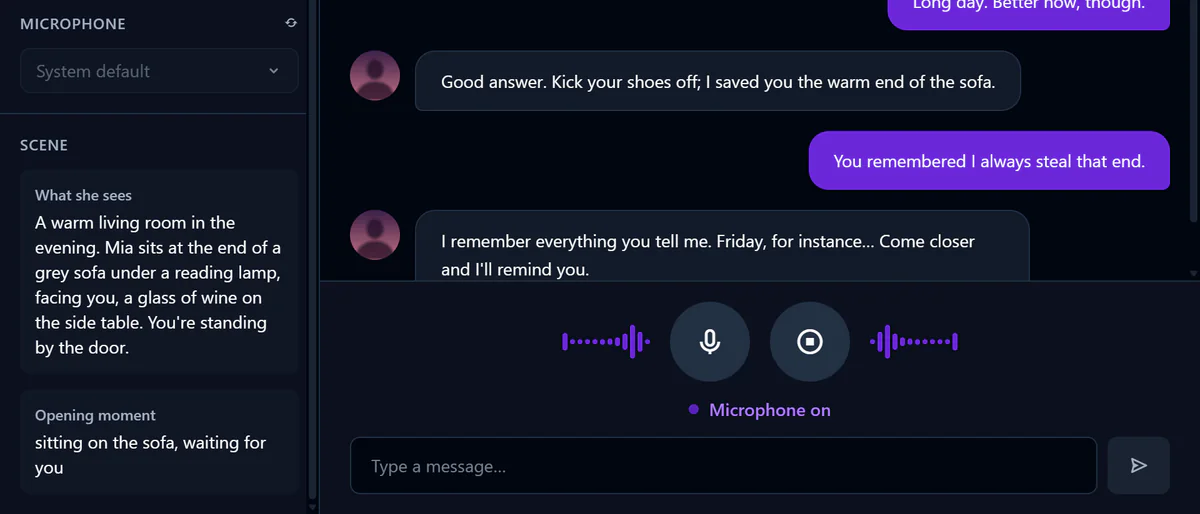
Before she says a word, she takes a look at your scene: who is there and what is happening. As it plays, she keeps up with what changes, and in VR she knows where you are and how close you've come.
- A look at the scene when the session starts
- Keeps up with what happens as the scene plays
- In VR, she knows where you are
- And she can change it: poses, outfits, looks and places from your VaM library
Her voice
Her voice.
Every shade of desire.
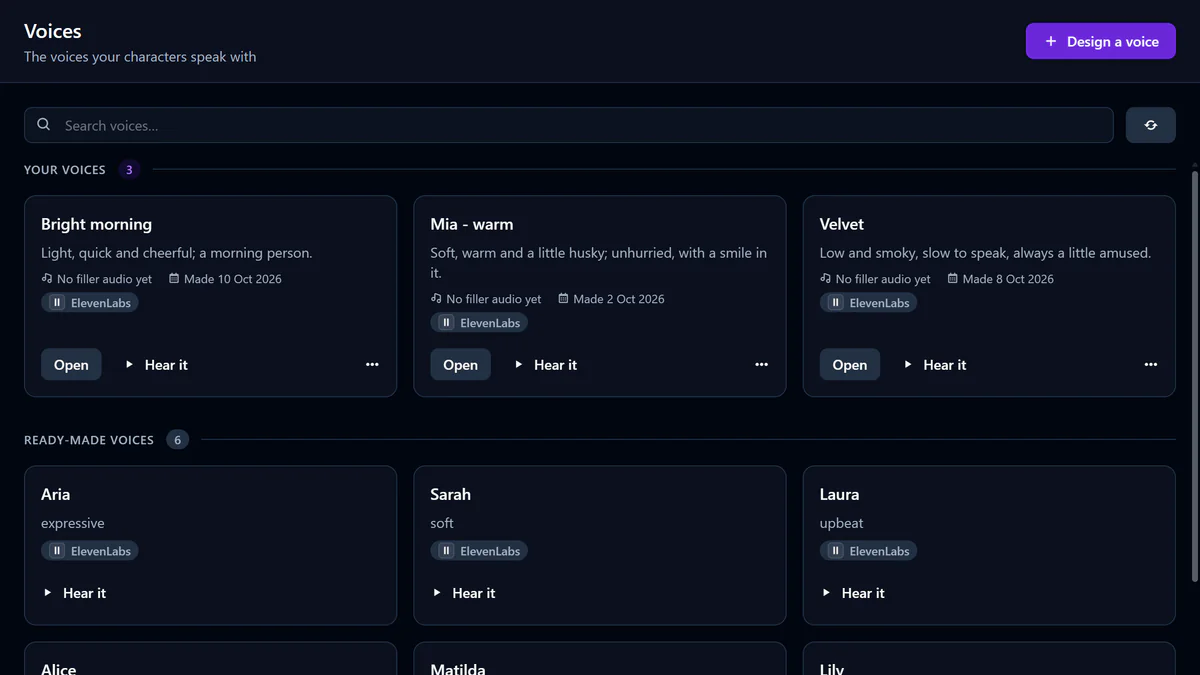
Give every character a voice that is unmistakably hers: smooth, natural, and quick enough that the conversation never stalls. Design one from a description, or clone one, with your voice service. From easy conversation to a whisper she shouldn't be telling you, her delivery follows the mood of the scene.
- Streamed into your scene as it is made, so she answers fast
- Design a voice from a description, or clone one
- Voices from ElevenLabs, Deepgram or Hume, on your own account
- Lip-sync with NVIDIA Audio2Face, on your own graphics card
- Soft sounds that fill the pauses, if you want them
Your AI services
Your providers. Your call.
vamAI works with the AI services you choose, on your own keys, and they bill you directly. Your conversations go straight from your PC to them: vamAI never sees them. Her words and her hearing can also run on your own PC.
Her words
Privacy-focused, uncensored models
OpenAI, OpenRouter, xAI, or LM Studio and Ollama on your PC
Runs on your own PC
Her voice
Premium voices, voice design and cloning
Fast, natural voices
Emotionally expressive voices, voice design
Hearing you
Speech recognition on your own PC
Streaming recognition: she stops almost as soon as you speak