
Meet Nora
What comes with vamAI, ready to use. Nora, her voice and her filler audio, the Anywhere scene and a scenario to try in Director Mode.
You don't have to build anything before your first conversation. A new install of vamAI comes with a character, her voice, a Scene and a scenario, so you can start talking as soon as your keys and VaM are set up.
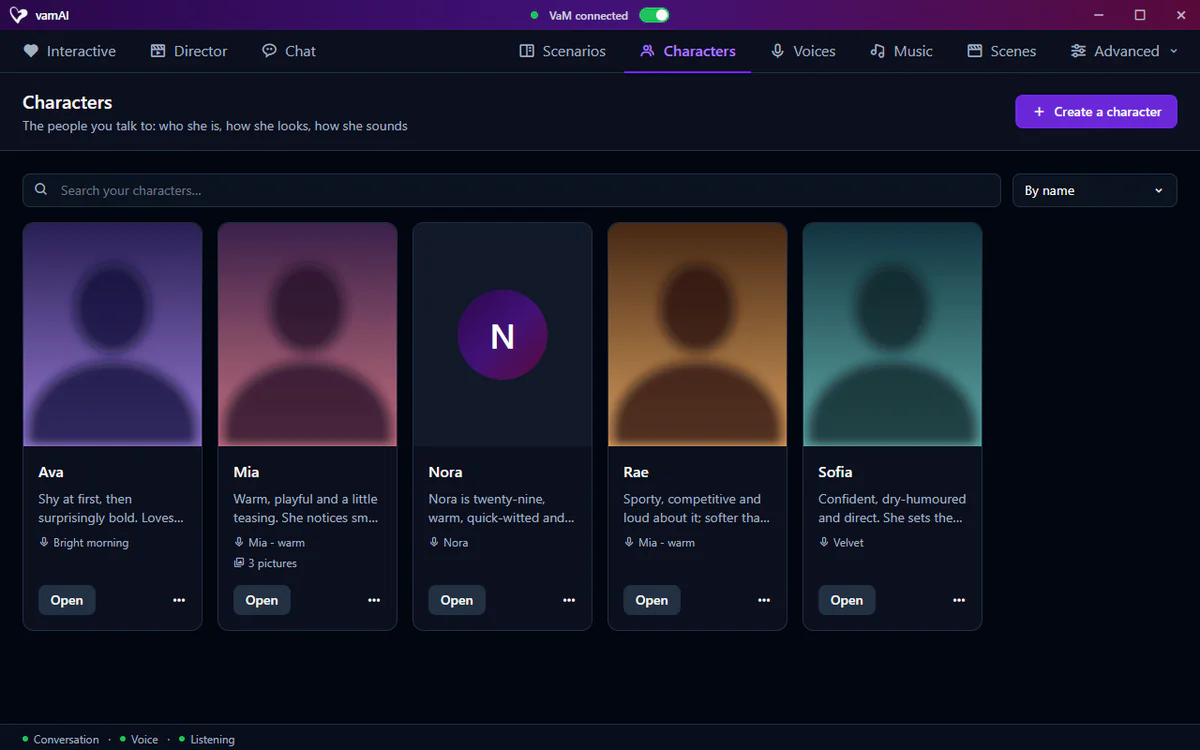
Nora
Nora is on the Characters tab. She's twenty-nine, warm, quick-witted and a little bit trouble: she teases, she dares, she loves the thrill of "we really shouldn't". Under the mischief she's kind, she remembers the small things you tell her, and when things turn intimate she checks you want it too. She's written for Interactive Mode.
She has no headshot yet (her card shows her initial). Give her one with Make her headshot on her profile, if you have a Venice key. Her look in VaM is whatever Person atom you choose for her, so she suits any scene.
She's yours to change: open her profile and choose Edit to rewrite her personality, give her another voice or a different Dynamic. See Creating characters.
Nora counts as one of your saved characters. Without a membership vamAI keeps one, so to make your own you'd delete her first, or start your free trial. Pro keeps 3, Max as many as you like. See Your membership.
Her voice, and her filler audio
Her voice, also called Nora, is one of ElevenLabs' own ready-made voices, so it works with your own ElevenLabs key, with nothing to design. It comes with its filler audio already made: soft breathing, sighs and quiet moans that play between her lines once things turn intimate, without you paying to make a filler bundle.
Her voice needs ElevenLabs as your voice service. If you use Deepgram or Hume instead, give her one of their voices on her profile (Her voice). See Voice library.
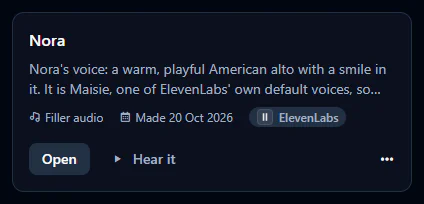
Deleting the Nora voice from your library never deletes anything from your ElevenLabs account: it's ElevenLabs' voice, not one you made.
The Anywhere scene and One more drink
On the Scenes tab is Anywhere: a Scene that isn't tied to any VaM scene, so it works in whatever scene you have loaded. It has no actions of its own.
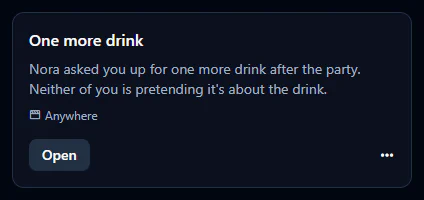
On the Scenarios tab is One more drink, set in Anywhere, with Nora: she asked you up for one more drink after a party, and neither of you is pretending it's about the drink. Choose it on the Director tab and press Start scenario to watch Director Mode play out a scene. Because Anywhere has no actions, the story unfolds in her words and her voice; build a Scene of your own to let her act in VaM too.
If you delete them
Starter content is copied in once, on the first start. If you delete Nora, her voice, Anywhere or One more drink, vamAI doesn't bring them back, so edit rather than delete if you might want them later.
One catch: editing Anywhere in the Scene editor ties it to the VaM scene you have open, and it no longer plays in any scene. To build on it, choose Duplicate from its ⋯ menu and edit the copy.
Next steps
Have Your first conversation with Nora.